New in mymark, November
Send crew emails from your own Gmail, ask agencies who's free, keep folders in sync and see your crew as a graph.
Send crew emails from your own Gmail
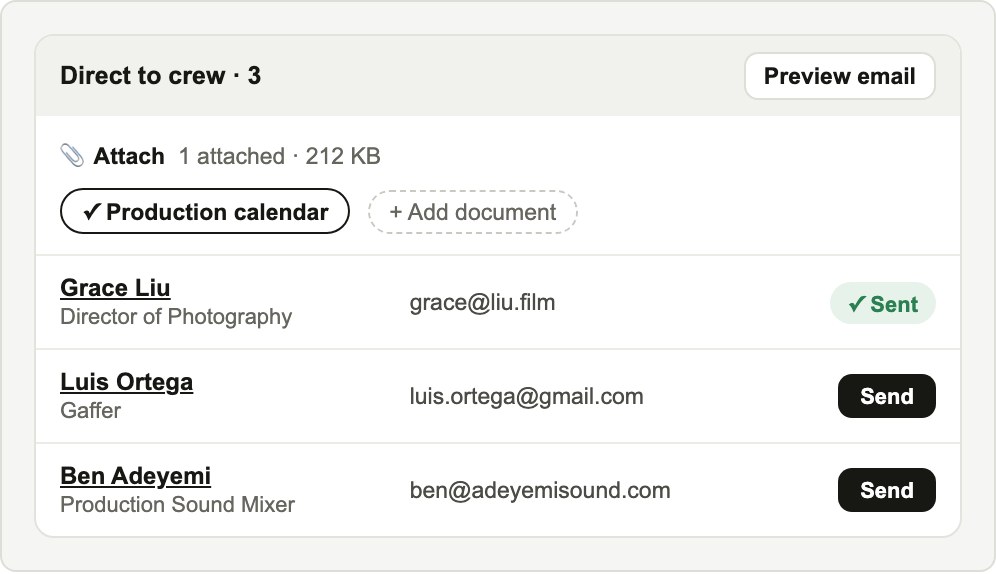
Connect Gmail once. Every email mymark drafts then has a Send button, and it goes out from your own address, so replies come straight back to you.
Attach the production calendar, the treatment or any file from the project. Open the preview to change the subject or the message for that one email, or send yourself a test first. Nothing goes out until you press Send, and the person moves to Contacted when it does.
Ask agencies who's free
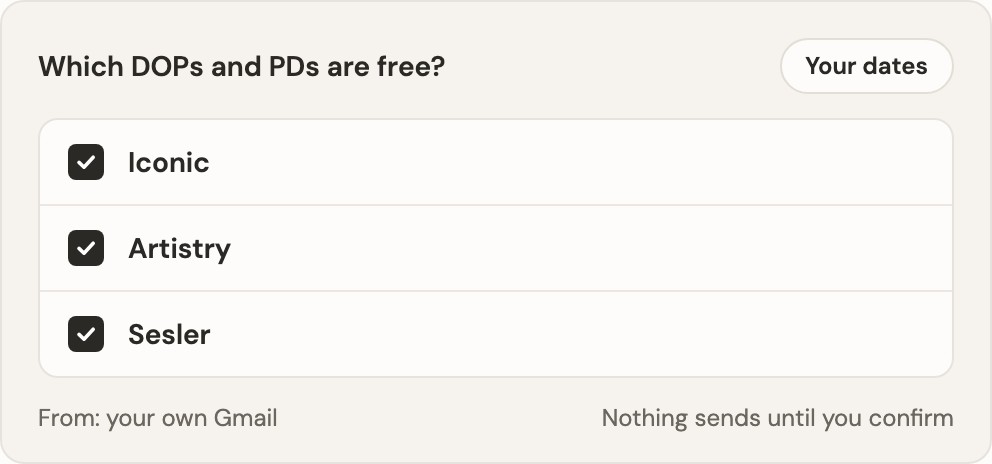
Ask mymark which DOPs, PDs or other crew are free for your dates, and name the agencies: Iconic, Artistry, Mantl, Sesler or any agency in your own contacts. mymark picks the reps for your city and writes one email per agency with the client, project, shoot dates, director and location.
Send each one from your Gmail. When an agency replies, mymark reads it. People the agency confirms as shortlisted, holding or booked join your project's crew list, and mymark emails you when that happens. Names they only suggest stay out of your project.
Folders that sync themselves
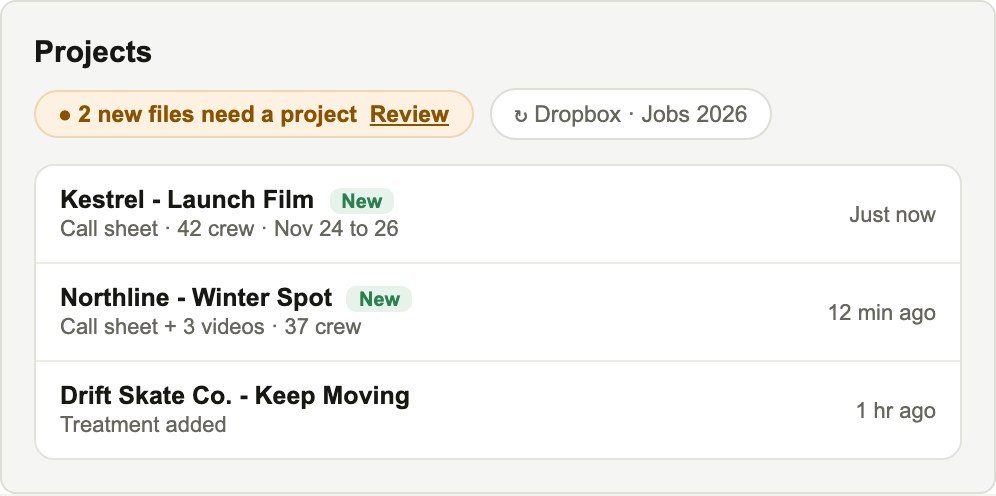
Connect a Dropbox, Smartsheet, Vimeo or Simian folder and turn on auto-sync. New call sheets and videos go into the right project, or start a new project tagged New. Syncing costs no credits.
Treatments, boards, scripts and calendars in the folder land in the project's document tabs. Call sheets and videos mymark can't place wait on your home page for you to match, so nothing lands in the wrong project.
Your crew as a graph
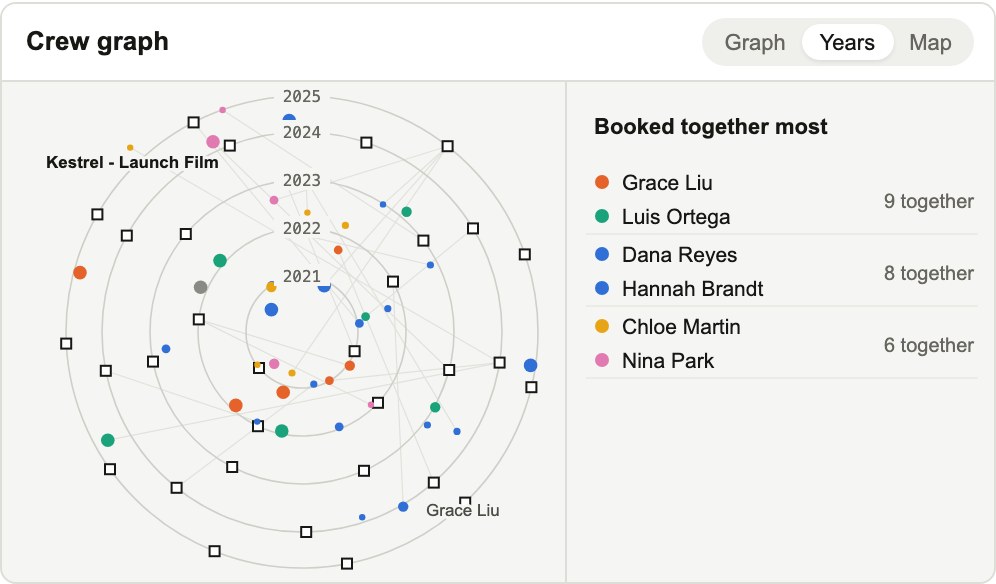
See every project and everyone who worked on it, by year or on a map. Click a person to see their jobs and who they work with most, and see the people you book together most.
The graph fills in from your call sheets. If yours looks thin, upload call sheets or sync a folder right from the graph.
Book a head, then their usual crew
Book a DP, gaffer, production designer or 1st AD and the project page shows the people they've worked with on two or more of your jobs. Shortlist them all at once, or have mymark draft availability emails to them.
Shortlist and rank from a draft
Add someone to the Short List straight from their email draft and rank them 1st pick, 2nd pick and so on. Only the people you choose go on the list.
Shoot days on a calendar
Pick a project's shoot days on a calendar, with a note for anything a date can't say, like a weather day. Starting a new project from chat opens a short form with dropdowns for shoot type, client, director and location.
Document tabs on every project
Each project has tabs for the production calendar, director's treatment, scripts, brief, agency creative, boards and agency schedule. Upload into a tab, or use Add files to drop in many at once and mymark sorts them into the right tabs.